Help & Support
Answers to common questions, step-by-step guides and a way to reach us.
Common questions
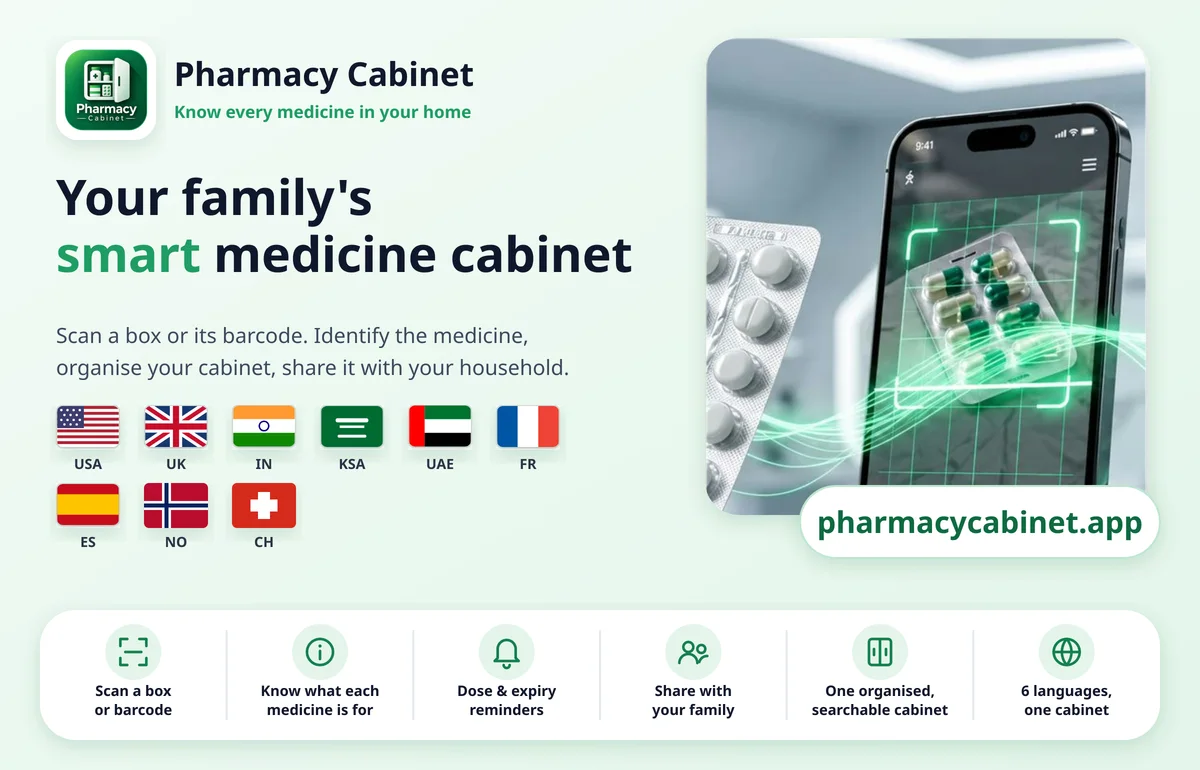
Yes. Photograph the front of the box or strip and the app reads the name and details printed on the label, then helps you identify the medicine. Coverage keeps growing and includes the USA, UK, EU, Switzerland, Norway, Australia, India, KSA, Qatar and Singapore. Always check the result against the box.
No. If the box has a clear barcode, scan it for an exact match and the details fill in for you. If there isn't one, or it is worn, photograph the label instead. Barcode scanning covers medicines sold in the USA, UK, France, Spain, Switzerland and Norway, with more regions on the way.
Yes. It is fully available in English, Spanish, French, German, Norwegian and Arabic, including right-to-left layout for Arabic. More languages, including Portuguese, are coming soon.
Yes. Invite them into your cabinet and everyone sees the same up-to-date list. You stay in control of who can change things.
Add the expiry date once. As soon as you open the app it shows what is expired or expiring within 30 days, and it warns you if you add a medicine you already have.
Adding a new medicine needs an internet connection. Medicines you've already added stay available on your device.
Often, yes. Scan the barcode or photograph the pack and the app checks the medicine information it covers and shows the ingredient. If it isn't found, you can still add the medicine by hand.
Put them on one table, then scan or photograph each box and note where you keep it (room, cabinet or shelf). Ten minutes is enough for a first pass, and the list stays searchable afterwards.
You can start free. Premium adds more room and extras such as reminders; see the plans on the Pricing page.
No. It helps you identify and organise the medicines you already have. It never gives dosing advice and is not a diagnostic or prescribing tool.
Contact us through the app or email [email protected] to request account and cabinet deletion. Some records may need to be retained for legal or billing purposes; see our Privacy Policy.
Guides
Step-by-step help for keeping your medicines in order.
- Home medicine cabinet organizer: know what you have in minutesA simple medicine organizer and medicine tracker for your home: list every medicine, with a free printable checklist.Read the guide
- Medicine expiry tracker: never find an expired medicine againA simple expiry tracker for the medicines at home, with a warning before it is too late.Read the guide
- Family medicine cabinet: one shared medicine tracker for everyoneHow families keep one shared medicine list that everyone can open, on their own phone.Read the guide
- Medication reminder app: pill reminders that follow your own scheduleHow to set up medication reminders and pill reminders for the schedule you already have, with alerts on your phone.Read the guide
- A medicine from another country? Scan it anywayKeep your medication tracker complete, even for medicines bought abroad or sent by family.Read the guide
- Medicine tracker and reminder app in your own languageOne medicine tracker the whole household can read, in the language each person prefers.Read the guide
- Barcode scan or photo of the box: which identifies a medicine best?How scanning a barcode and photographing the box differ, and why the best medicine tracker lets you do both.Read the guide